daddz
Community Member
-
Joined
-
Last visited
Everything posted by daddz
-
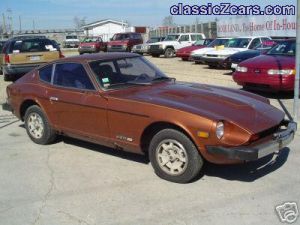 That's what the burgandy paint accomplishes for my Z's as well :-)
 -
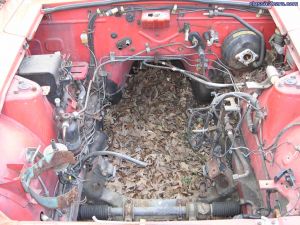 Too late as the roof was cut off of it but, that would have been fun!
 -
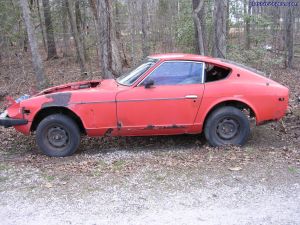 The paint code number is goold old "110 red"
 -
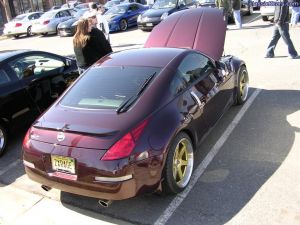
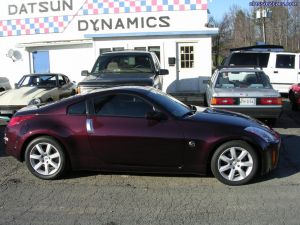 The 350Z paying a visit to Datsun Dynamics
 -
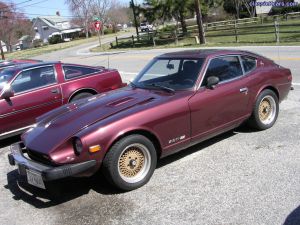 Resting her old bones in Tidewater keeping the other Z's company.
 -
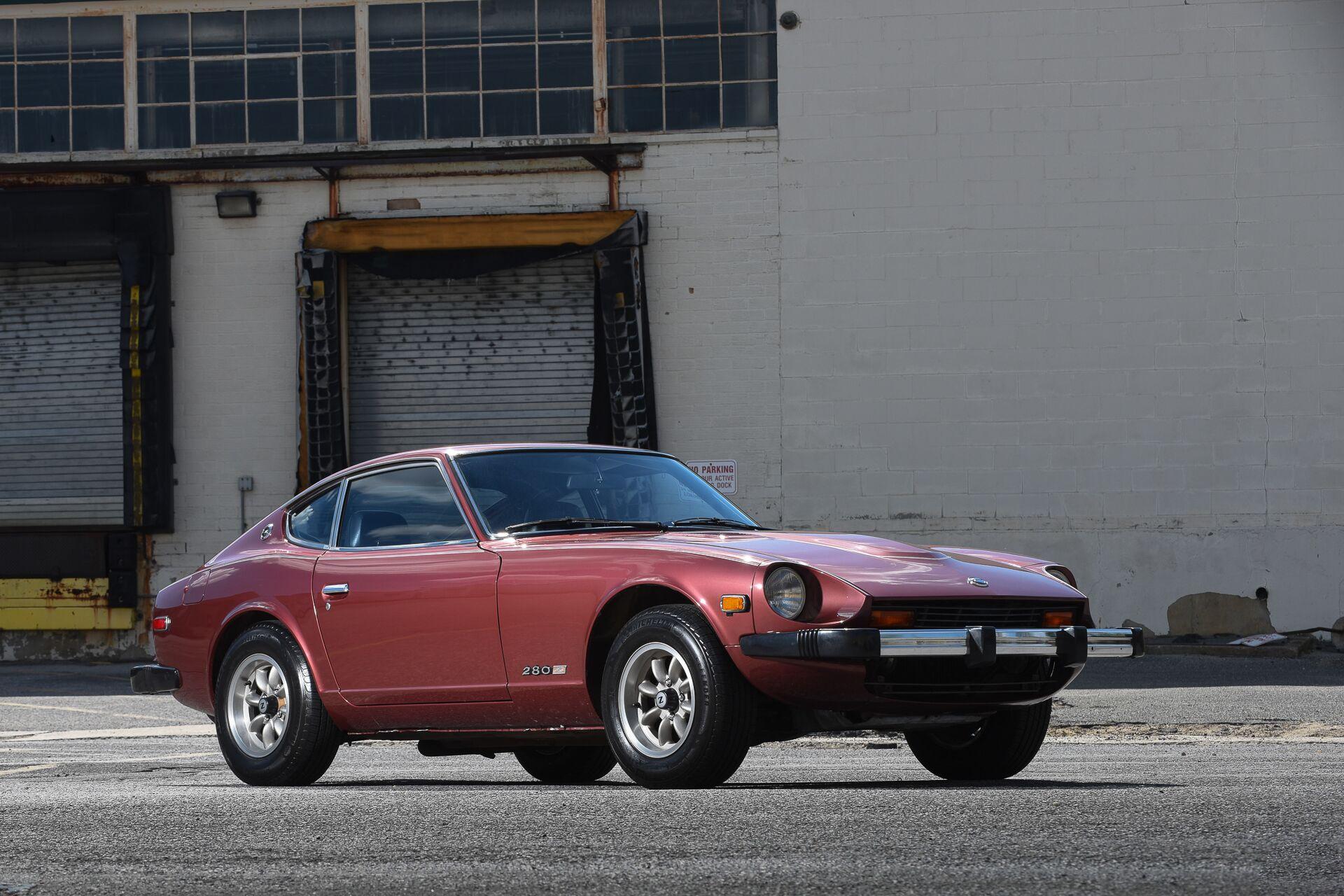
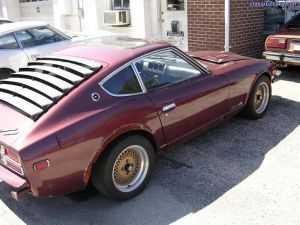 The old "brickyard red" waiting for some rust repair @ Tidewater Z. The Zedd findings parts fit pretty well.
 -
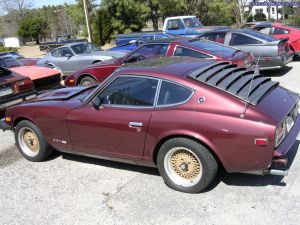 The old '78 280Z waiting patiently for her new floors and floor supports to be welded in. The sunroof gets replaced by a solid roof next.
 -
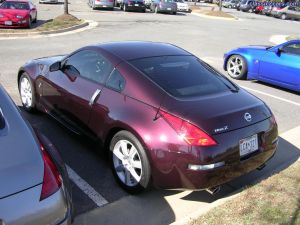 A difficult shot since Joe B. was parked pretty close. There was alot of turnout considering the cold weather.
 -
-
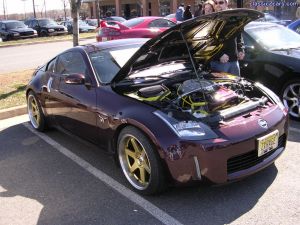 This is a different approach to augmenting the Brickyard Red paint. The underhood yellow treatment is a bit much though IMO.
 -
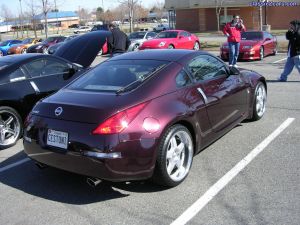 A good shot of how the paint will change in the sunlight.
 -
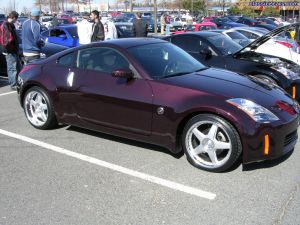 Another Brickyard Red with not enough dish? We need more dish.
 -
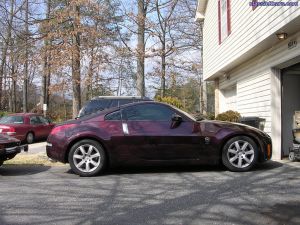 2003 350Z base 6MT @ home resting. Build date 11/14/02.
 -
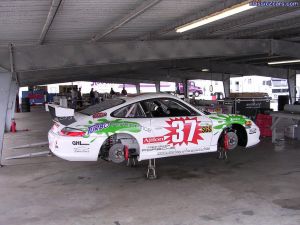 Nothing quite like a pit pass at Daytona! The thought kept going through my head: "They won't miss this 911 since there are so many here?".
 -
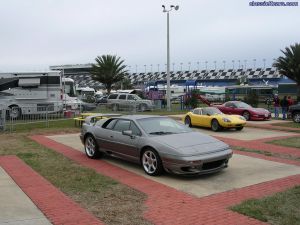 A nice Esprit with an equally nice marcos in the background.
 -
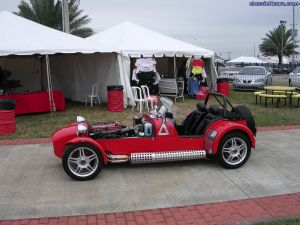 This would make a fun daily driver as well if you didn't live in the Mid-Atlantic.
 -
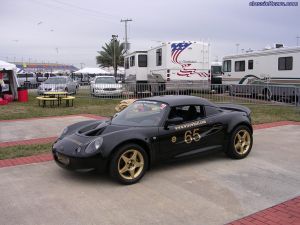 This would be a nice daily driver?
 -
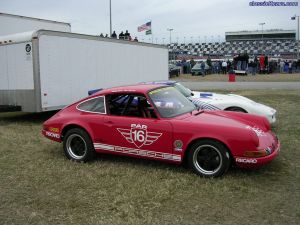 A nice old 911; just what the Z needs to maintain a healthy diet.
 -
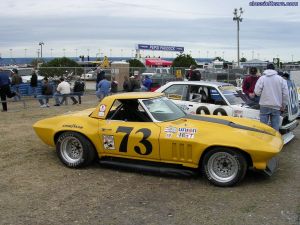 Another old warhorse "relaxing" and enjoying retirment.
 -
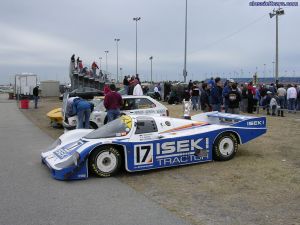 Anyone remember this old warhorse? Verne Schuppan made a roadgoing version of this fine car available to the public some years ago. Imagine a 962 for Sunday drives.
 -
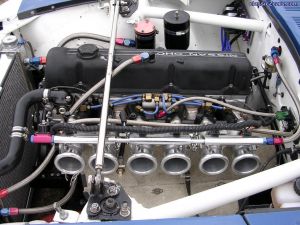 Another engine bay shot form the intake/exhaust side.
 -
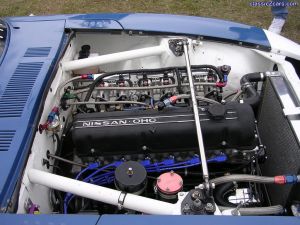 Nice engine for running around town?
 -
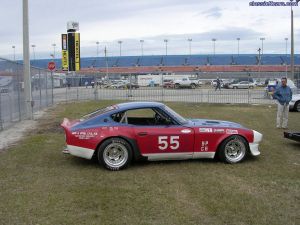 Nice lines? The centered exhaust was a nice touch as well.
 -
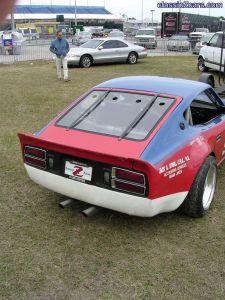 Would make a nice daily driver?
 -
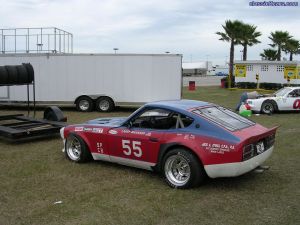 Nice offset for the Z! Nice engine bay as well. This car was giving a 911RS 2.7 a run for its money.