zorro
Community Member
-
Joined
-
Last visited
-
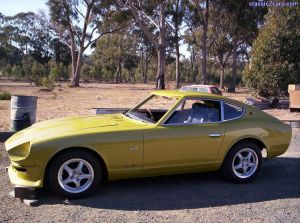 What do u think guys/gals, better the 300zx wheels?
 -
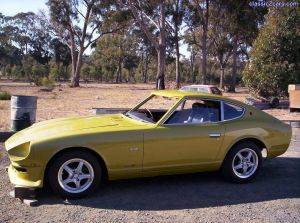 What do u think guys/gals, better the 300zx wheels?
 -
-
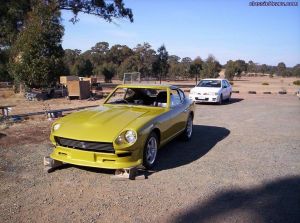
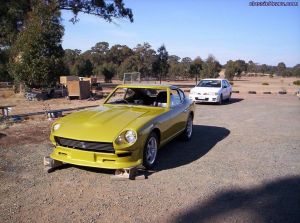 Frt Spoiler being assembled
 -
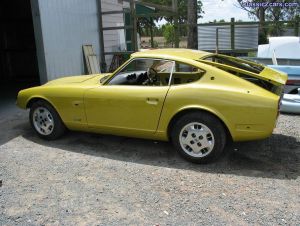 Those 300ZX wheels are only temporary until i can afford custom made 3 piece wheels. The cut outs are for my side repeaters just a little touch for something different i wanted to do....
 -
Yeah i had to use spacers to fit the wheels its a real problem rubbin on the springs at the moment. By using 195/60/15 tyres i was able to completely remove spacers on rear but i need spacers on the front still. Still working on that any ideas how to fix? And yep 2 & 1/2 yrs in the making u bet i chomping at the bit
-
-
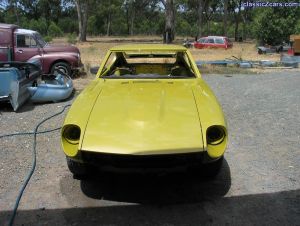 Thanks for the nice words guys... yeah it did take a heap of time to get the gaps perfect you have no idea ....
 -
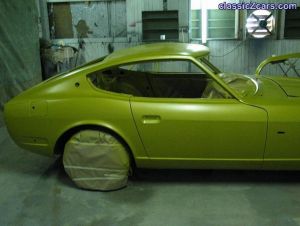
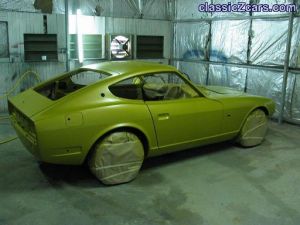
First completed paint shot
-
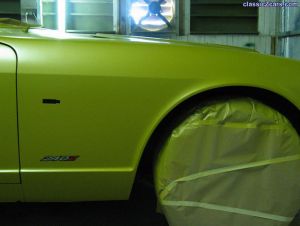 not sure if that was a dig but coming from a yank quite possible he he! Anyway beauty is in the eye of the beholder.....
 -
Is that the vinyl u meant Gav?
-
-
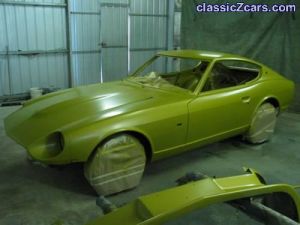 They're my new side repeaters, i didn't like the large ones on the 260Z i wanted something unique. I think u will like the final result 280z.....
 -
-