ph240
Community Member
-
Joined
-
Last visited
-
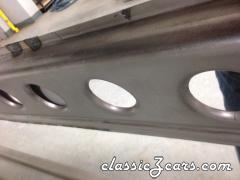
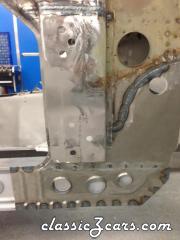
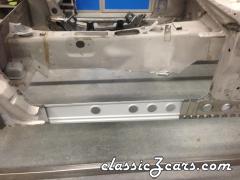
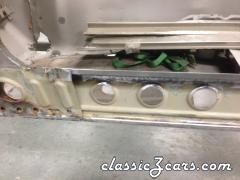
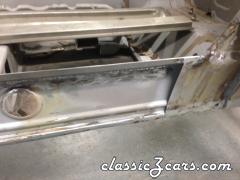
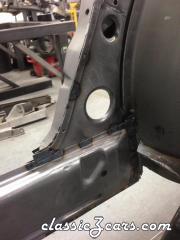
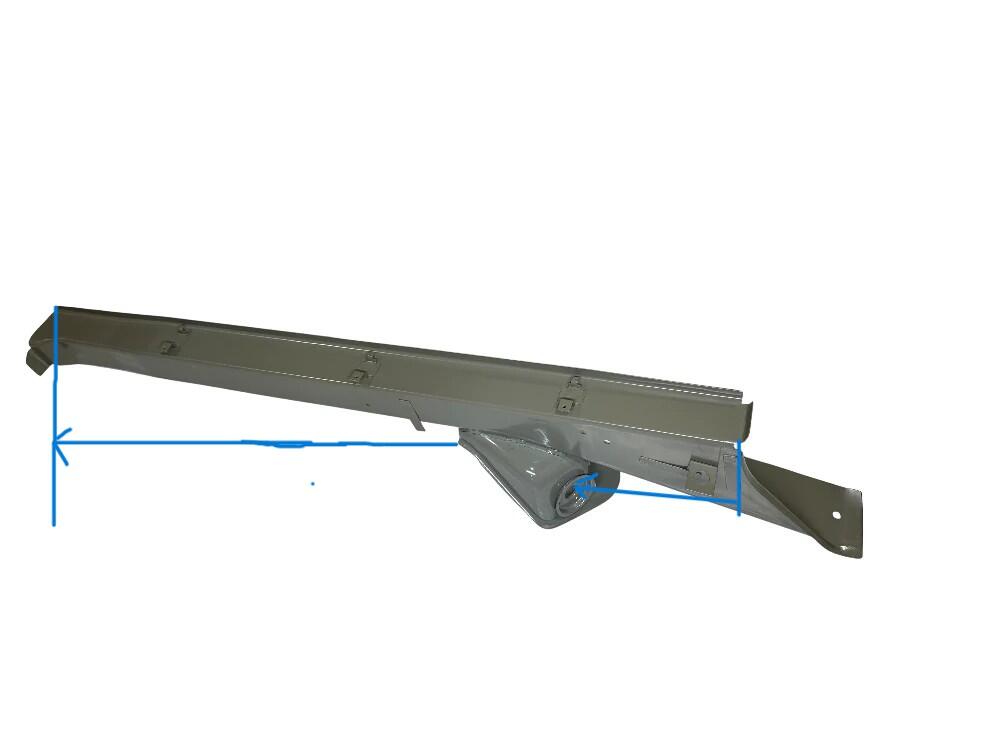
Hi Namerow. Its a long story on how this came about but I was able to find a clearer .tif file of the print ( attached) ZedHead provided. In it I found the measuring points. Using a plumbob, I was able to duplicate the measurement of the factory drawing. after measuring, adjusting and repeating it multiple times, I have welded in the passenger side and have the drivers mocked up and will welded it tomorrow. The hole is noted to be 34 degrees from the frame rail and that is what I have. The frame rails I am using came from Zedd savers many years ago. I recently started back on the project. They are still available from several suppliers. I suspect folks measure off the old rusty one when these are replaced, unfortunately they were not included with the project and I didn't have any reference. I see that a few suppliers offer the complete frame rail which is probably way to go. I will add some pics in the next few days. Thanks for the info. 240Z Chassis Dimensions - Source 1970 FSM Dated 15AUG70.tif
-
Thanks Zed Head. I had seen this but I cant seem to see anything that would help locate them. Hoping someone here could measure there car and post what they show.
-
Replaced my frame rails and am looking for info on where the tension compression bucket locates on the new rocker. Can anyone provide measurements in the image for me?
-
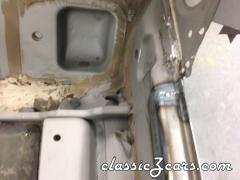
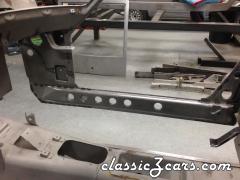
inner rocker repairs
-
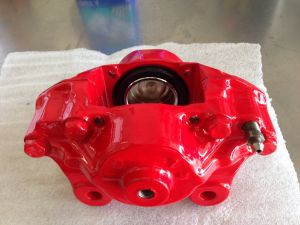
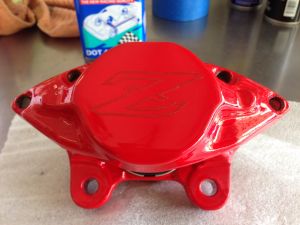
Powder coat and laser Z logo brake calipers
-
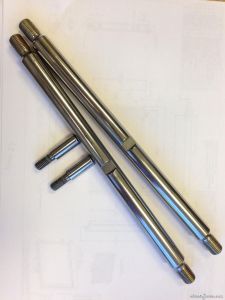 REM surface finished the stock shafts. Will have a hardcoat applied for corrision protection. REM micro polishes metal, used in transmissions and rear gears. Makes them really smooth.Hope to make future disassemble easier if needed. Overkill? probally but we REM at work.
 -
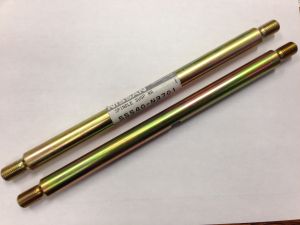 ordered these up decided to REM finish at work
 -
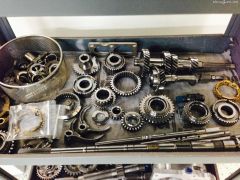 Heck no I'm not doing it, I work for C&R racing, we build race transmissions, the guys in the shop who know what there doing get to do it for me. we do a lot of 6 speeds for continental tire series, it really makes for a slick shifting trans.
 -
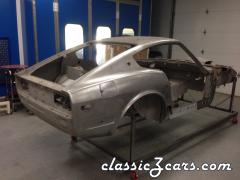
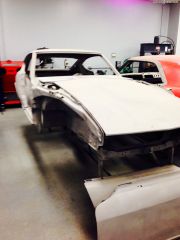 73 240Z has been media blasted, rust repair will start soon. New floors, fire wall and frame rails. Rest of the body was in surprisingly good shape.
 -
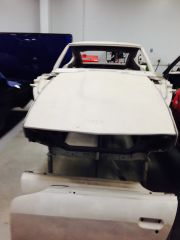 73 240Z has been media blasted, rust repair will start soon. New floors, fire wall and frame rails. Rest of the body was in surprisingly good shape.
 -
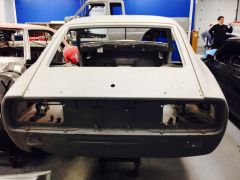 73 240Z has been media blasted, rust repair will start soon. New floors, fire wall and frame rails. Rest of the body was in surprisingly good shape.
 -
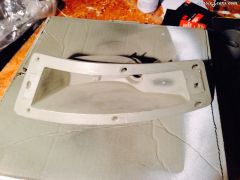 Rebuilt my front turn signal assemblies. Cleaned light sanding, primer then plastic paint white.
 -
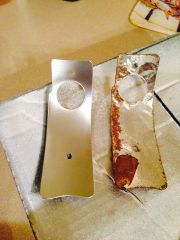 sandblasted reflectors, primed and used reflective paint. Turned out pretty good, not has bright as OE but very close.
 -
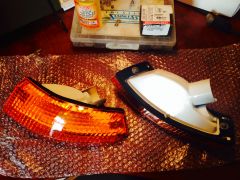 Rebuilt my front turn signal assemblies. Cleaned light sanding, primer then plastic paint white. Ordered stainless hardware so the screws don't rust and break off again...hopefully. Was able to reuse rubber seals, 40 years old but look like new. Repo lens are better than I thought. I will use 1157 LED bulbs.
 -
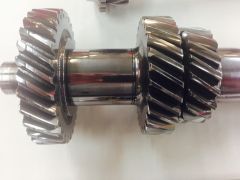 My 280Z 5 speed rebuild and REM finish on shafts and gears for smoother shifts. REM is a micro polishing we use on race and street transmissions and rear gears.