rzola
Community Member
-
Joined
-
Last visited
Everything posted by rzola
-
-
-
-
-
-
-
-
-
-
-
-
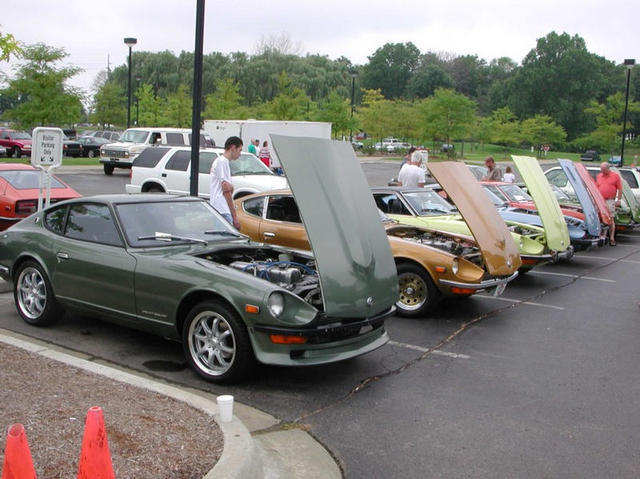
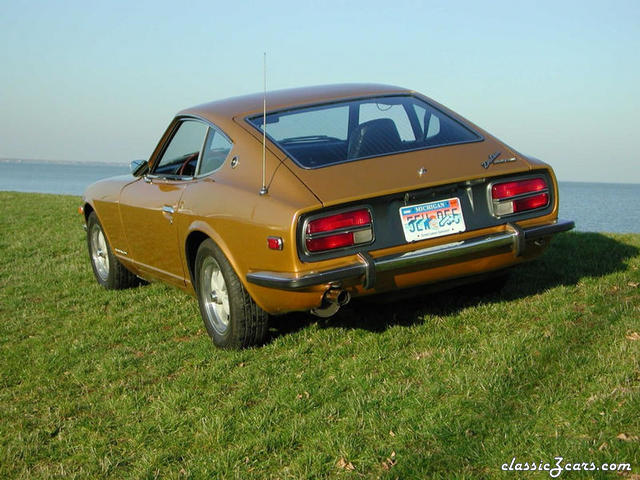
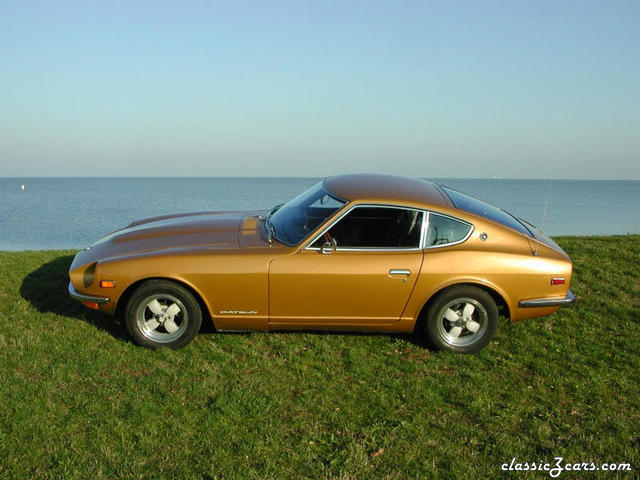 Finally found some nice wheels for my Z.
 -
Thanks for the advice guys. I am planning on upgrading to a performance coil. Hopefully that will solve the problem. I do have a spare tach, but it looks like it may be tough to replace!
-
Had a strange one today. While driving home from work at expressway speed, my tach started jumping between 2000 and 4000 RPM. While the tach was jumping, the engine would have a slight miss or chug. Very minor but noticable. Below 2000 RPM she runs smooth as silk. When I got home, I cheked the points, cap and all wiring to the ignition system. Every thing looked OK. After cooling down, I went for a warm up drive to lash my valves. The car ran fine. After lashing the valves I went for a test drive. The car runs great. My car has 100% stock ignition system. Any of you Z gurus have any ideas about this one? Could it be the tach? Or maybe the coil getting hot? Any advice would be appreciated!:tapemouth
-
 Left side after undercoating removal
 -
 Stripped of undercoating. Parts cleaned and detailed
 -
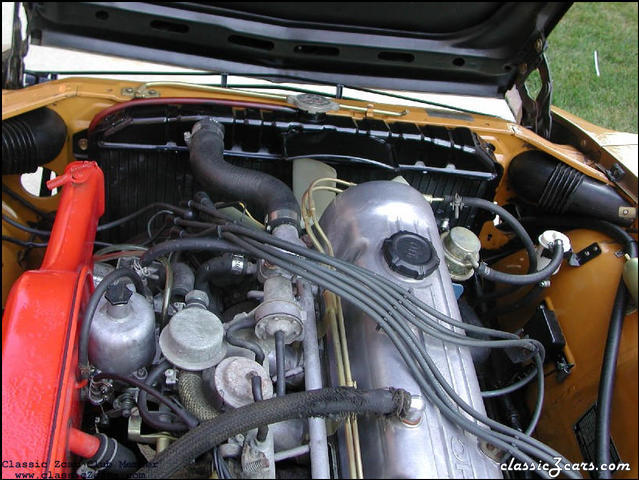 New radiator and fan installed. Core support stripped of undercoating
 -
I just did my 71 Z. Spent 9 hours which included cleaning and painting a bunch of parts And installing new exhaust pipes (and header wrap on the y-pipe). Autozone had a great deal on the clutch kit $94 and it included the alignment tool! I cut off a old junk drive shaft and used it to plug the output shaft so no fluid leaks out the back of the gearbox. I also removed the shifter by lowering the trans and removing the clip from underneath. This saved console removal. Just came back from a serious beat ride. The new clutch works great! step.:devious:
-
-
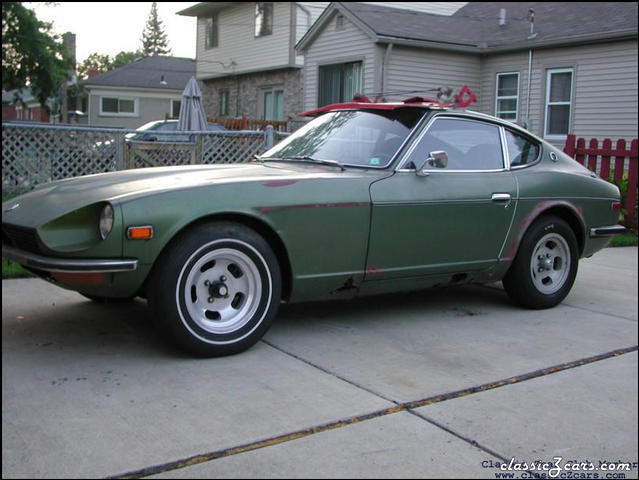 Nice parts car I bought. 62,000 miles and the motor runs after sitting for 15 years!
 -
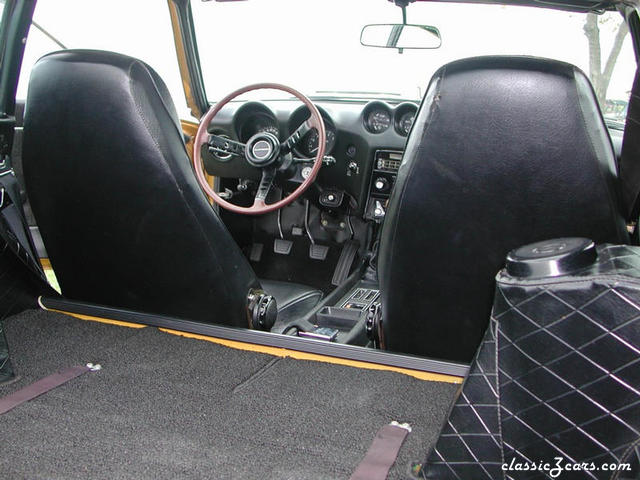
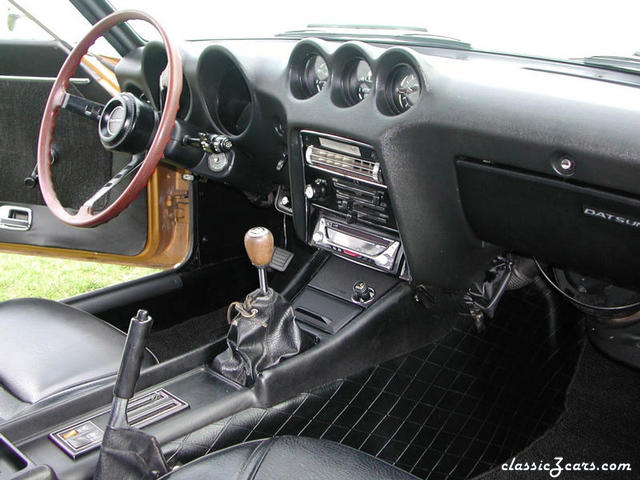
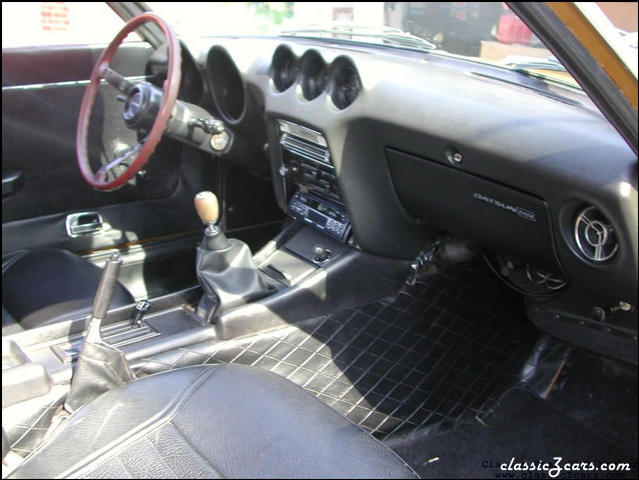 Interior of this car is decent. The big plus is no cracks in the dash. Needs lots of cleaning. Lots of body shop dust and overspray on everything. I hate that shift boot!
 -
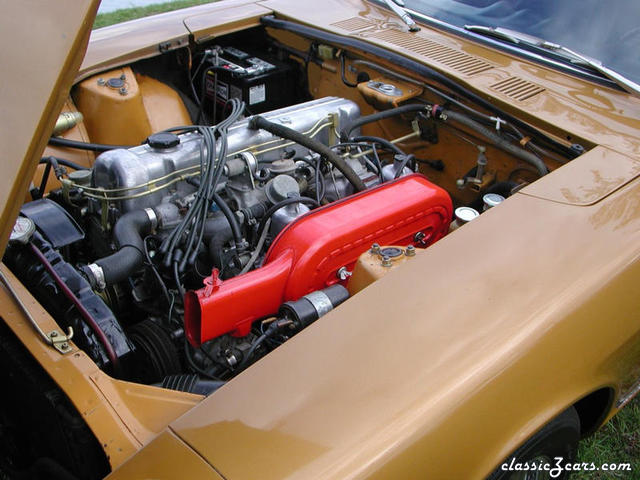
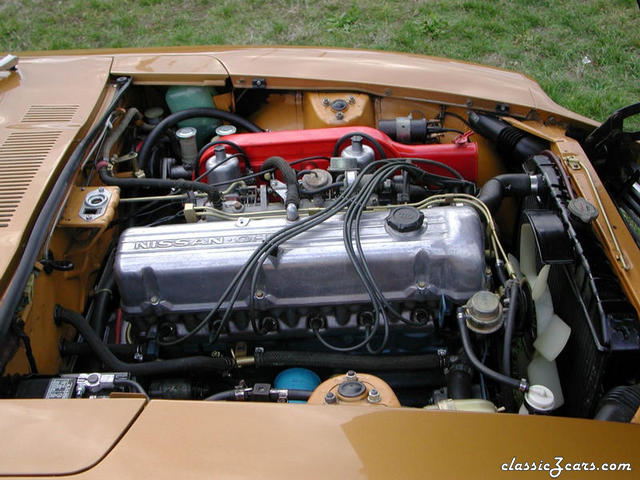
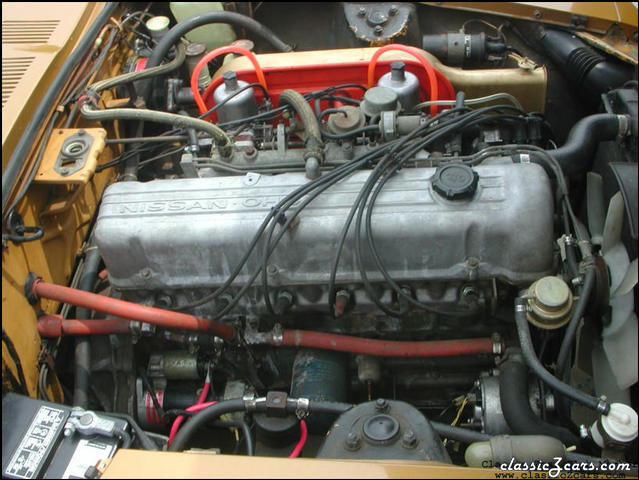 Another view..... this motor does run like a Swiss watch!
 -
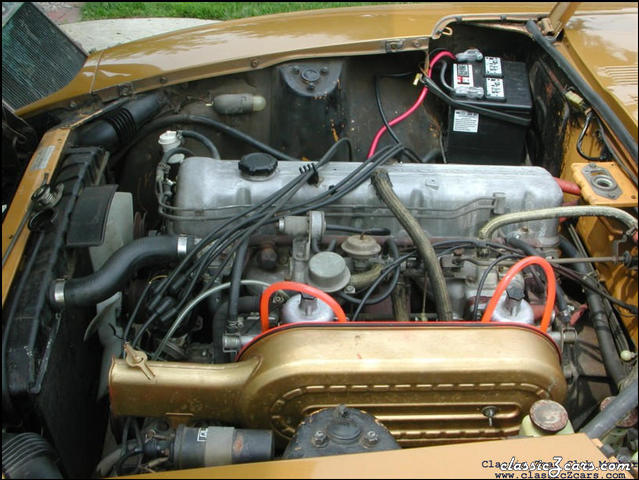 Dirty engine compartment. Lots of work to do here!
 -
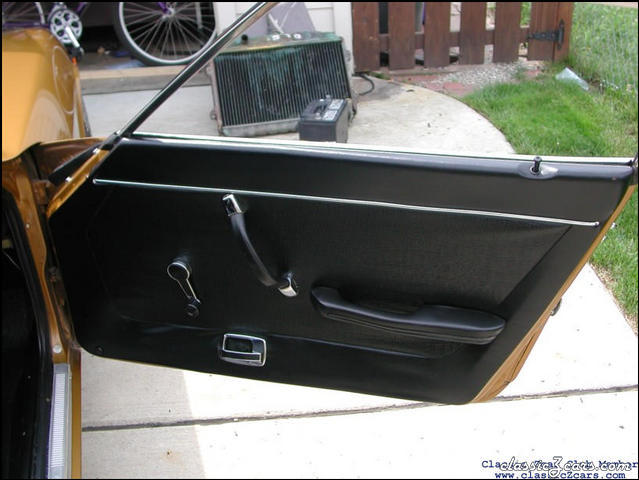 Much better now! And the window rolls down too!
 -
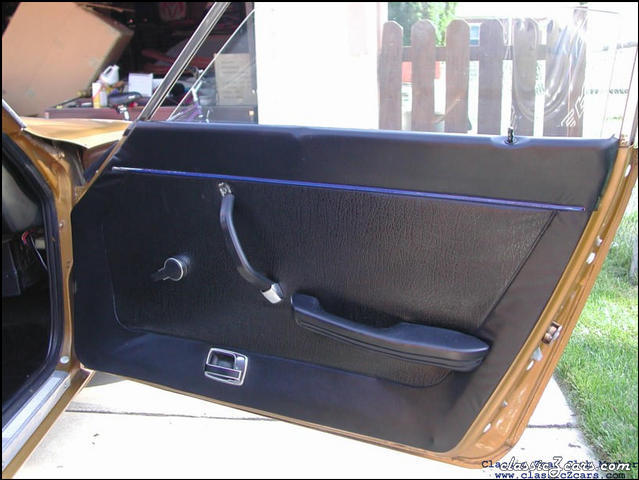 Before restoration of door panel. Had to replace window regulator (tough Job!) window crank, door handle, lock mechanism, and trim panels!