C240Scargo
Community Member
-
Joined
-
Last visited
-
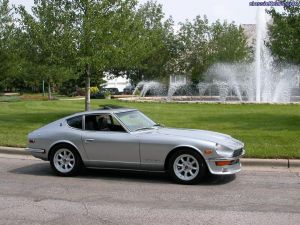
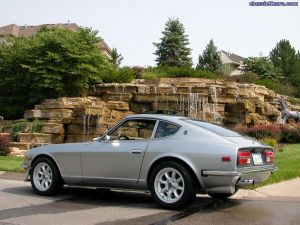 The color is off of the 2003 350z, KY0 Chrome Silver...with a little extra pearl added:)
 -
16 inch panasports w/ 205/55z16 yokahama avs es100s
-
-
-
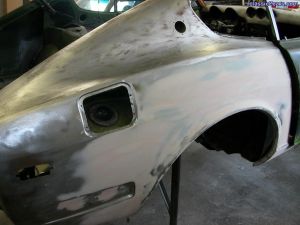 Look at that, there is something under all that rust...
 -
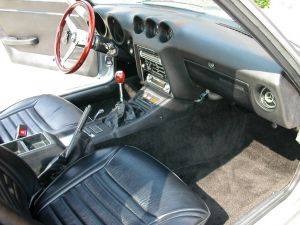
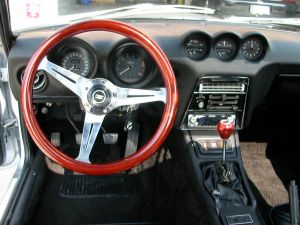
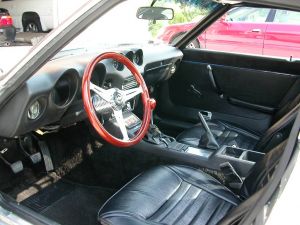
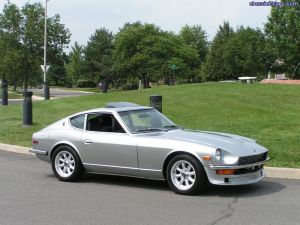 ...and this is what a Z car is suppose to look like...
 -
-
-
-
-
-
-
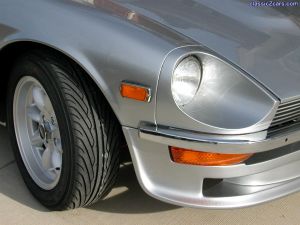 thanks, i've been looking around for something to fill those bumper holes, might have to check into those bolts.
 -
-
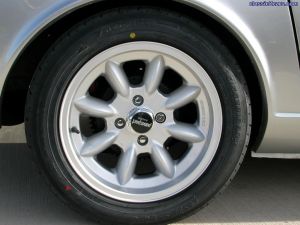 16 inch FS's w/ Yokahama AVS ES100's...everyone should have "Z" rated tires