coyotegary
Community Member
-
Joined
-
Last visited
Everything posted by coyotegary
-
-
-
-
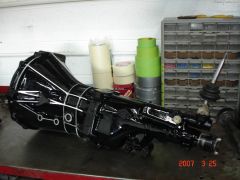
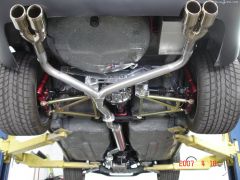 4:37 limited slip skyline Diff coil overs..15 position shocks wilwood brake kit arizona z car suspension and brakes all 4 corners custom exhaust runs 315/35/17 tires on 11 inch wide wheels
 -
-
-
-
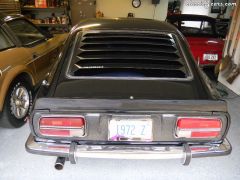
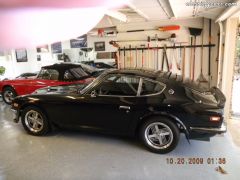 my 1972 240Z....won Best engine compartment @MSA west coast nationals
 -
-
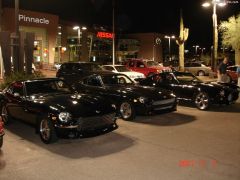
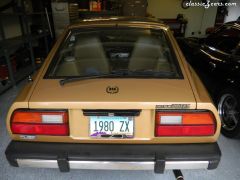
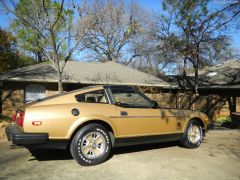 280Zx 10th anniversary
 -
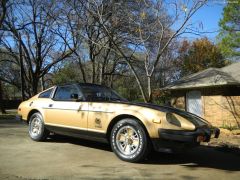 280ZX anniversary edition
 -
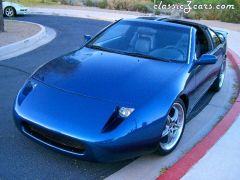
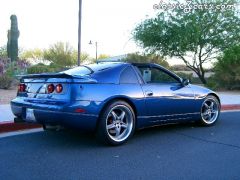
 94 300Zx coupe
 -
-
-
-
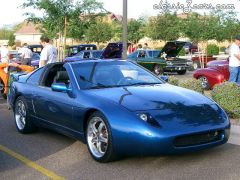 94 300Zx coupe coil overs wilwood brake kit one piece drivesahft, underdrive pulleys custom front end won a 1st place trophy in modified class at MSA/calif
 -
-
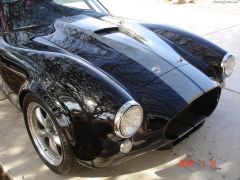
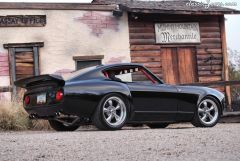 pic of my 74 260 Cobra Z...photoshoot in az
 -
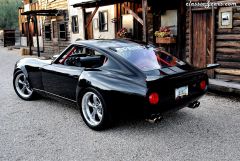 pic of my 74 260 Cobra Z........photoshoot in AZ
 -
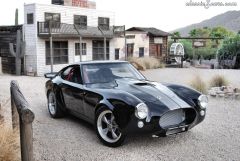 pic of my 74 260 Cobra Z....photoshoot in Az
 -
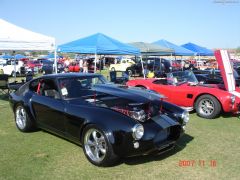 pic of my 74 260 Cobra Z at The Goodguys Car Show in scottsdale,Az....pics and a short article made it in their magazine
 -
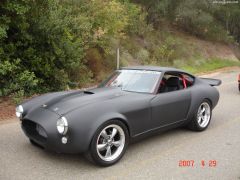 pic of my 74 260 Cobra Z in flat black primer at Motorsport west Coast nationals....took a first place in Modified Class